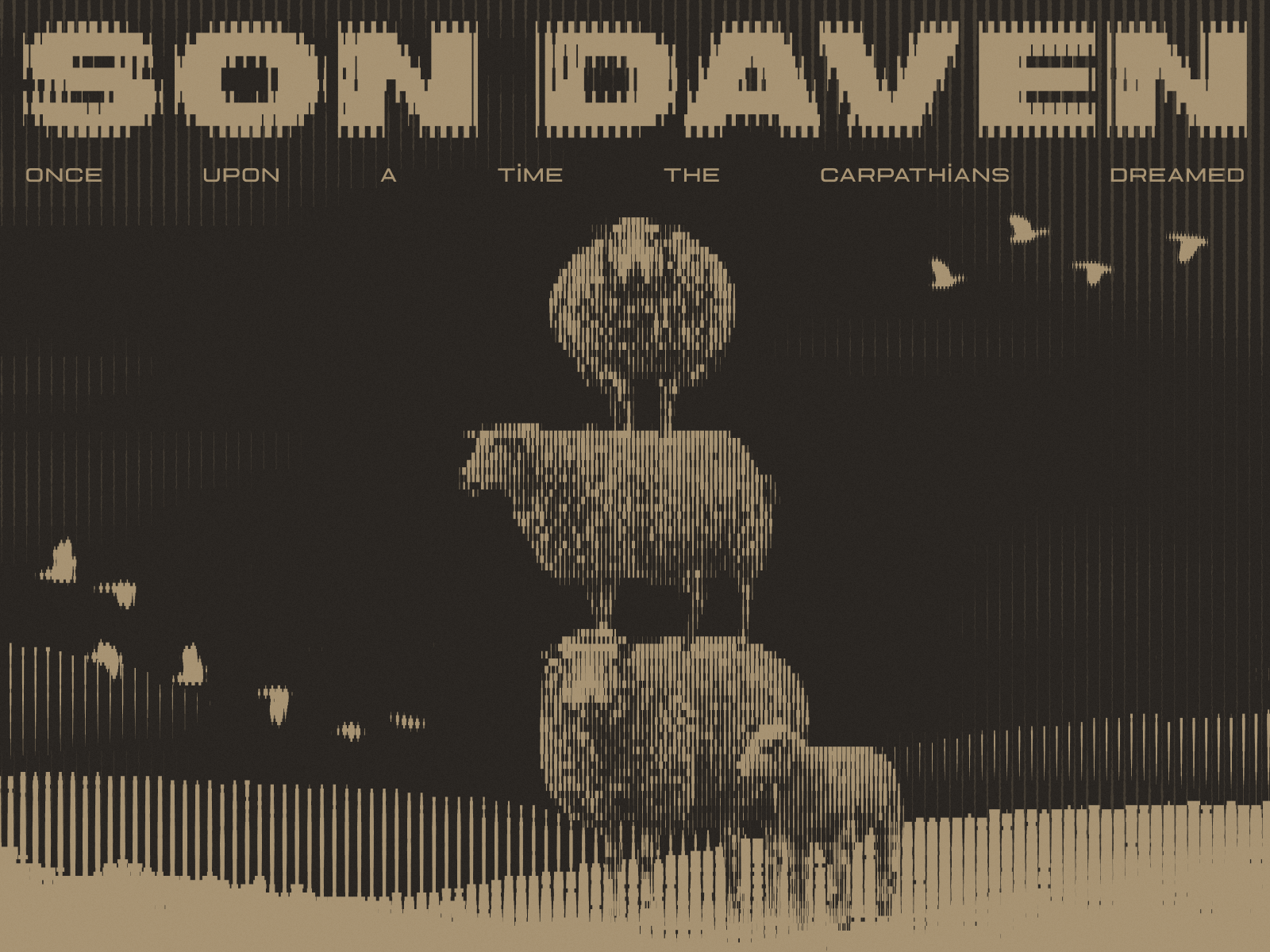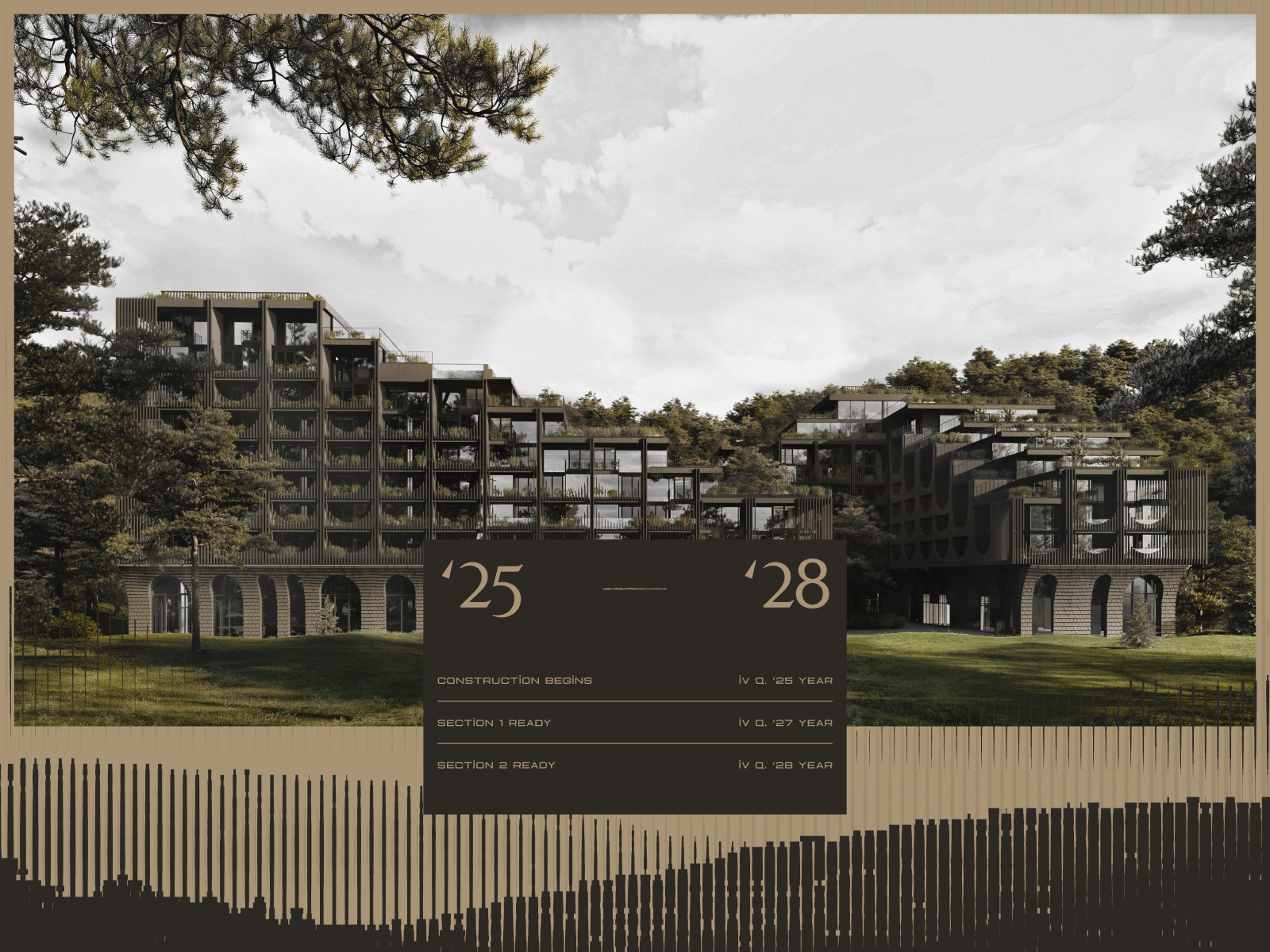
Visual reference: Son Daven · The First The Last, Maksym Stepenko and Ivan Chopei · Project and credits on Awwwards.
A gallery can show a building without really explaining the project. The photographs are good, the atmosphere comes across, yet it remains unclear what the practice was commissioned to do, which decisions shaped the work or how the spaces relate. The website has displayed material. The project is still partly hidden.
Presenting architecture projects online means arranging photography, drawings, copy and facts so that somebody outside the commission can understand them. That person may be a prospective client, a collaborator or someone comparing practices. They should not need prior knowledge of your process to interpret the work.
A project page needs an editorial sequence and a structure the team can maintain. It can be expressive or restrained, but it must also work for the next project, on a small screen and for a visitor arriving directly from search without seeing the homepage.
1. Decide what the visitor needs to understand
Before selecting the opening photograph, write two sentences explaining what makes the commission specific. It might be a relationship with the landscape, a change of use, a spatial arrangement or a material response. This is not a slogan. It is the criterion for selecting the rest of the page.
Then consider what an unfamiliar person needs to assess the practice’s work. Project type, context, your role and the stage of completion provide a useful foundation. Clearly distinguish a competition proposal, work in progress and a completed building.
You do not need to document every moment of the process. Select the information that turns images into an explanation. A beautiful photograph that contributes little to that reading can be left out. Editing a portfolio also involves removing material; the complete folder already exists on the studio’s drive.
2. Build a photographic sequence
The opening image should introduce the project rather than win an isolated competition for drama. It may be an overall view or a relationship between building and setting. If you begin with an abstract detail, nearby information should help visitors place it.
A useful sequence might move from context to the whole project, then through a route and into details. This is not a universal formula. It is a way to check whether people understand the work before encountering ten variations of the same attractive corner.
Change scales when that adds information: exterior, entrance, principal space and material detail. Similar photographs can explain a transformation. If they merely compete for which looks best, one may be unnecessary. Repetition does not always add depth; sometimes it simply adds scrolling.
Test listing thumbnails and project page images separately. A wide photograph can work beautifully in the article and lose its meaning in a narrow crop. The editorial system should provide an appropriate image or crop for each use without forcing the team to prepare endless manual variations.
3. Use drawings that explain something on screen
A drawing contributes information that photography cannot replace: layout, levels, a section or the relationship with the site. Select the drawing that helps explain the central idea. Publishing every available sheet does not automatically make the project more understandable.
Prepare a screen-readable version. Check line weights, contrast, legends and text size. If a plan only makes sense at substantial magnification, decide what should be visible in the project page and whether a larger view is useful. One embedded image does not need to serve every level of investigation.
A caption can identify the level shown or the relationship worth noticing. Avoid relying entirely on numbered labels that become tiny in the web version. Placing drawings near the photographs they explain can also create a more useful sequence.
Where renders and completed photography appear together, identify the material. Both can help explain development, but visitors should know what they are seeing. Distinguishing proposal, process and completed work removes unnecessary guesswork.
4. Create a project page with useful facts and concise copy
Basic information can sit in a table or a compact facts section. Choose fields that suit the practice and allow some to be unused. Hiding an irrelevant field is more helpful than publishing a label followed by a dash on every competition entry.
| Content | What it should clarify |
|---|---|
| Title and location | Which project is shown and where it is situated, with appropriate detail. |
| Programme, year and status | The commission type and whether it is proposed, in progress or completed. |
| The practice’s role | What the studio contributed and which teams collaborated. |
| Introduction | Context, the central decision and the relationship between the material shown. |
| Gallery and drawings | A selected sequence explaining space, process and materials. |
| Credits | Authorship and collaboration, including photography as applicable. |
Start the copy with a direct account of the commission, then explain one or two decisions. Avoid strings of adjectives that could belong to any practice. “A unique, contemporary and distinctive space” occupies room without helping visitors understand the contribution.
A hypothetical example: “The intervention reorganises workspaces around a courtyard while retaining the existing structure. The project page shows how this decision connects daylight, circulation and shared spaces.” The selected images would then support that explanation. This is an example of writing, not a real project claim.
5. Make credits part of the editorial system
Image authorship belongs in the content model. Prepare photography and team credits using the format and publication conditions agreed for the material. Editors should be able to enter them consistently rather than reinventing the arrangement for every project.
Keep external inspiration distinct from the practice’s own work and link its source. The visual reference in this guide is Son Daven, presented on Awwwards, with credits in the header. It is not a JED commission. The same clarity helps a practice publishing inspiration alongside completed work.
For collaborations, describe the studio’s contribution precisely. Participation within a team should not look like sole authorship of the entire commission. This need not turn the page into a collection of disclaimers; it should simply let visitors understand the capability they are assessing.
Relevant publications, awards or resources can add context when identified clearly. Avoid turning the end of every project into an automatic collection of unrelated links. One specific source is often more useful than several destinations that explain nothing further.
6. Give every project an entrance and a next step
A project page may be the visitor’s first contact with the practice. Include enough context to identify the studio and explore more work. Do not assume everybody has already watched an animated introduction on the homepage.
The project listing needs a clear editorial method too. It may use a curated selection, dates or meaningful categories. If there are filters, choose understandable names and classify the work consistently. An oversized “other” category is often a sign that the structure needs more thought.
At the end of a project, suggest a relevant continuation: a related work, an associated service or an invitation to discuss a similar commission. There is no need to interrupt every third photograph with an enquiry button. A clear next step in the right place is enough.
Link wording should explain the destination. “Explore the landscape architecture work” gives more information than an arrow without context. The interface can preserve its visual character while providing navigation that does not require trial and error.
Give the page a useful title and a stable address. An internal project code may be familiar to the team while telling a new visitor very little. Pair the chosen name with enough context in the introduction to identify the work. If a published project is renamed, consider the existing address and links before changing them.
Use the same editorial logic when selecting related projects. The relationship might concern programme, scale or a particular design question. Showing three recent entries is easy; choosing a continuation that helps visitors understand the practice is more useful.
7. Plan for small screens, loading and different ways of reading
Finishing the desktop gallery is not the same as finishing the project page. On a small screen, review reading order, fact sizes, drawing consultation and the connection between each image and its caption. A side-by-side composition may work better as two consecutive pieces.
Prepare files for their actual uses and check how images are served at different sizes. A strong photograph does not need to download at its full archive resolution every time. The page should retain visual quality without making a first visit unnecessarily slow.
For videos or special interactions, decide which information remains available if the visitor does not play the material or use the expected gesture. The work should remain understandable through a stable structure as well as any expressive features.
Review alternative text, contrast and keyboard navigation in the project components. An image description should provide context appropriate to its purpose. Repeating an architecture keyword in every photograph does not explain the building more clearly.
Test a page with real material before finalising the system. A tall photograph, a wide plan and a long collaborator credit often expose issues that a perfectly balanced demonstration page will hide. Those differences are normal editorial conditions, not exceptional mistakes to patch after launch.
8. What to look for in the JED project references
Studio Arcos is a reference for an editorial system integrating built work, drawings and process. It offers a basis for discussing project pages that remain useful as the practice publishes new work.
Karl Land Architecture centres its presentation on the work, a restrained grid and generous photography. It provides another starting point for assessing how much space the material needs and how prominent the interface should be.
AR+ brings portfolio, services and team together in a clear visual presentation. It helps frame the relationship between project pages and the rest of the studio information, particularly when visitors need to assess more than the images.
These cases demonstrate website design decisions. They do not establish commercial outcomes or imply that JED designed the buildings or created all their photography. The role being presented is the digital project.
9. Prepare a pilot page before commissioning the whole archive
Choose a representative project, gather its material and prepare the full sequence. Include title, facts, explanation, photography, drawings, captions and credits. Then test a second project with fewer resources or a different structure. That comparison reveals whether you need a flexible system or several page models.
Ask the future website editor to try the process. Can they arrange the gallery, update a credit and publish the next project without breaking the composition? Editorial work is part of the commission and should be tested before the complete archive is entered.
Agree a small publication checklist: confirm the project status, check names and credits, review the image sequence, test any larger drawing view and follow the next-step links. The aim is a repeatable method, not another approval ceremony. A short, practical check helps the archive remain consistent as different people contribute.
If the current website cannot present the material properly, explore web design for architecture studios and the architecture website budget guide for 2027. We can use a real project page to define the scope. It is a productive starting point: instead of imagining the portfolio, we can examine what it needs.