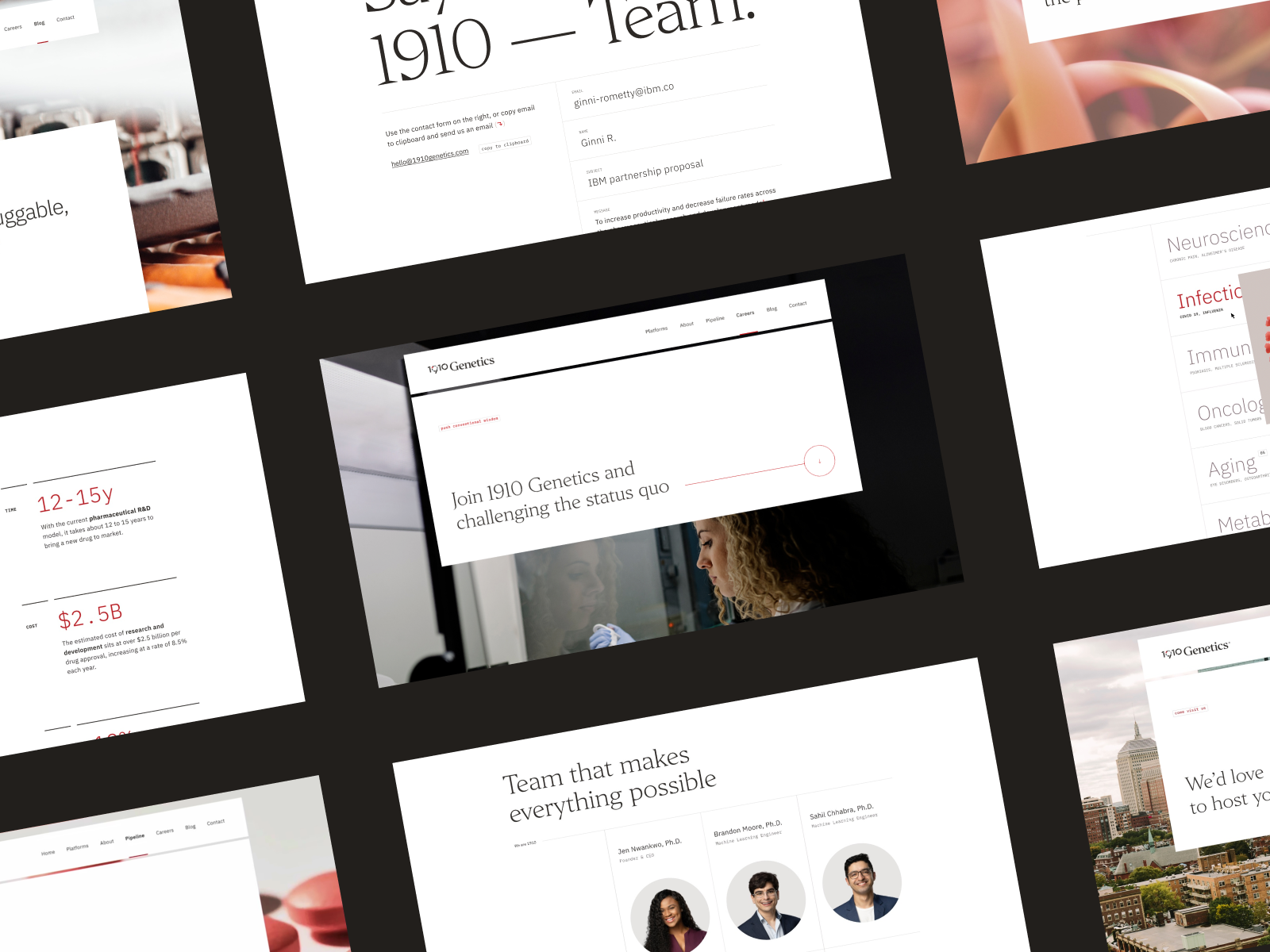
Header visual reference: 1910 Genetics · FIFTYSEVEN and Petar Stojakovic · Project and credits on Awwwards.
A pharmaceutical website brief does not need fifty slides. It needs enough useful answers to support decisions: who the website serves, what those people need to do, who owns the information and which requirements the project must follow. Without that, even a beautifully formatted presentation can get everybody lost in excellent typography.
This guide helps you prepare a corporate website, a catalogue or a professional environment before requesting proposals. You can also use it as a working document with a selected supplier. The aim is a clear conversation about scope, investment and timing rather than a competition to guess what the client meant.
I would start with a short document and a carefully selected set of samples. The document explains the decisions. The samples show whether those decisions hold up when faced with a long product entry, a complicated resource or a market that operates differently.
1. Explain the situation and what needs to change
Open with the business context. The company may be entering new markets, reorganising its portfolio or struggling to maintain an older website. There is no need to describe every problem as digital transformation if the immediate issue is that distributors cannot find the right contact.
Use observable examples. “Our team regularly emails the same document because visitors cannot locate it” gives the project something concrete to address. “The user experience is not optimal” describes a feeling while leaving the entire diagnosis to somebody else.
Then identify two or three outcomes the website should support: understanding the business areas, consulting relevant product information and contacting a market team. Where measurement exists, provide the source and reporting period. Where it does not, say so and explain what you would like to assess later.
Keep responsibilities realistic. The website can support an enquiry and make its route measurable; a commercial relationship also depends on the offer, demand and follow-up. A precise brief avoids turning every business ambition into a result the design supplier is expected to guarantee.
2. Map audiences and tasks before writing the menu
Starting with “home, company, products, contact” is familiar, but it tells us little about how different people use the website. Begin with audiences, tasks and destinations. Navigation can then follow a reasoned structure rather than a departmental wishlist.
| Audience | Priority task | Destination or response |
|---|---|---|
| Distributors | Understand product lines and market presence. | Relevant information and the appropriate commercial contact. |
| Professionals | Locate the resources intended for them. | Content and access journey following client-approved requirements. |
| Candidates | Understand the company and opportunities. | Team information and an application route. |
| Partners | Assess capabilities and possible collaboration. | Corporate information and a specialist contact. |
Not every audience needs equal prominence on the homepage. State the priorities and which needs can sit deeper in the structure. When every department receives a main navigation button, the result often resembles an organisation chart. Visitors should not need to understand your internal reporting lines to find a document.
3. Prepare a market, language and content matrix
List the markets involved and the required languages, then establish whether they share the same information. A translation and a market-specific catalogue are different editorial and technical situations. The proposal needs to recognise that difference.
For each version, identify who supplies copy, who reviews it, which documents are available and who receives enquiries. If some pages have no equivalent in another language, make that visible before the language navigation is designed.
Include exceptions rather than hiding them in an appendix nobody opens. A market may show fewer products, require a different resource or have an independent editorial team. You do not need every screen resolved at briefing stage, but the supplier needs to understand those variations when defining the system.
The multilingual web design service describes this broader structural work. Installing a translation tool does not decide who owns each version or what happens when the versions stop matching.
4. Supply real content and awkward examples
A small, representative sample is more useful than a large unexplained folder. Include a corporate page, two or three different product entries and several documents. Add something particularly long or complex. We want to discover where the model struggles before building the whole website around it.
For product entries, distinguish mandatory, optional and market-dependent information. Explain which fields repeat, which change and where the original data lives. If there is a master spreadsheet or another source system, provide an authorised sample and explain its structure without sharing information that should remain private.
For documents, specify type, language, version, owner and relationships with website pages. Establish who can publish, replace or withdraw an item. Existing addresses may need to remain available because they are already used in emails, printed material or internal tools.
Actúa Pharma is an own-project reference for discussing catalogue structure, product pages and a connection with the point of sale. It provides concrete decisions to examine. Your brief should identify comparable needs without assuming that another company’s navigation will suit yours.
5. Define review and publication responsibilities
Name the people who establish content requirements and approve publication. Several specialist teams may be involved, so the website project needs a clear way to incorporate their decisions without restarting every phase whenever a new comment arrives.
Describe any access conditions that must be implemented and identify who validates them. If audiences, markets or resources require different treatment, state it explicitly. The supplier designs and develops against approved requirements; the responsible client team provides the specialist content review.
I recommend approving a complete representative page for each content type before extending the system. Include real copy and the small-screen arrangement. That review is considerably more useful than approving an empty visual frame and saving all the difficult content decisions for later.
Appoint a feedback coordinator as well. Specialist reviewers retain their responsibilities, but conflicting comments need a consolidated answer. There are enough moving parts in a website without making the designer investigate which of Tuesday’s contradictory emails should win.
6. Describe systems, integrations and everyday editing
List the current CMS, hosting arrangements, available analytics and systems that need a connection. Explain the task behind each integration. “Connect to the ERP” is a label. “Create a request, receive an identifier and display its status” starts to describe a scope.
Identify a technical contact for each system and the documentation they can provide. Ask about test environments, restrictions and authorised examples. If the connection requirements are not yet known, mark them as an unresolved dependency rather than presenting them as a standard checkbox.
Consulte su vacuna forms part of a B2B ordering process involving pharmacies, wholesalers and internal operations. It illustrates why an integration brief needs statuses and exceptions as well as the first screen where a request begins.
Also describe who will edit the new website and how frequently. Does one central team manage everything, or do market teams work independently? What must they change without assistance? Do they need to prepare material before publishing it? These answers shape fields, permissions, training and handover.
A practical test is to describe a normal update from start to finish. For example, a document changes in two languages and the related product page needs a revised summary. Who starts the task, who checks it and how does the editor know it is complete? This makes editorial requirements much clearer than simply requesting an intuitive CMS.
7. Inventory the existing website and define acceptance
Provide the sections and resources that must remain, pages that can be retired and important URLs. If search or traffic information is available, include the relevant pages and reporting periods. The aim is a reasoned transition rather than preserving everything out of fear or deleting everything out of enthusiasm.
Flag forms, files and links used outside the website. A sales team may regularly share a document that barely appears in navigation. A printed item may point to an old address. These dependencies deserve attention before migration day introduces them rather abruptly.
Define observable acceptance tasks: find a product, reach the correct market contact, complete a form and update an entry. Agree who tests them, what content must be loaded and which failures prevent launch. Include the devices or environments relevant to the agreed project scope.
“We like the website” can sit alongside more specific criteria. On its own, it is not much help when deciding whether an editorial workflow, a search result or an integration is finished.
Describe the handover too: a session based on real tasks, documentation of recurring processes and a contact for issues after launch. Involving the future editor in acceptance testing helps expose questions that a visual review may miss. That person does not need to become a developer; they need to maintain the website without relying on a hurried explanation delivered on launch day.
8. A short brief structure you can adapt
The following is a hypothetical project summary, not a description of a real client or a universal pharmaceutical specification. Replace the details with your own and attach representative samples.
Context: renew the corporate presence and organise information about two business areas. Priority audiences: distribution partners and potential collaborators. Tasks: understand capabilities, consult product entries and contact the appropriate team.
Versions: Spanish and English, with market-specific documentation differences to confirm. Content: corporate copy supplied by communications, product information from an internal source and review by named responsible people. Editing: a central team maintains both language versions.
Technical scope: preserve the addresses of current resources and investigate a form connection with the commercial system. Review: approve architecture and a complete sample before developing all templates. Acceptance: test product consultation, enquiries and editorial updates using real content.
Finish with owners, desired timing, dependencies and an available budget if you have one. Sharing an investment range helps the supplier prioritise. It does not replace a detailed proposal or remove the need to define what is included.
Separate what must work at launch from possible later improvements. Explicit priorities make it possible to suggest phases while keeping the main journey complete. Marking every request as urgent removes that useful distinction and makes trade-offs harder to discuss.
9. Turn the brief into comparable proposals
Ask suppliers to respond to the same document. A useful proposal explains deliverables, responsibilities, milestones, reviews, exclusions and ongoing support. If one supplier identifies an important unresolved question, add the answer to the shared brief so that you are comparing equivalent scopes.
Read the assumptions as carefully as the deliverables. A proposal may assume that approved copy arrives before design, that another provider handles translation or that an existing system supplies a working API. These conditions are part of the commercial decision. Confirm them with the relevant owners before choosing a supplier on price alone.
The guide to pharmaceutical company website costs for 2027 explains the decisions that move the investment. If too many dependencies remain open, the website diagnostic provides a way to work through them before commissioning the full build.
Explore web design for pharmaceutical companies for the service approach and own-project references. Bring a concise document with good questions and useful samples. I would rather start there than with forty pages about innovation and none explaining who updates the catalogue.